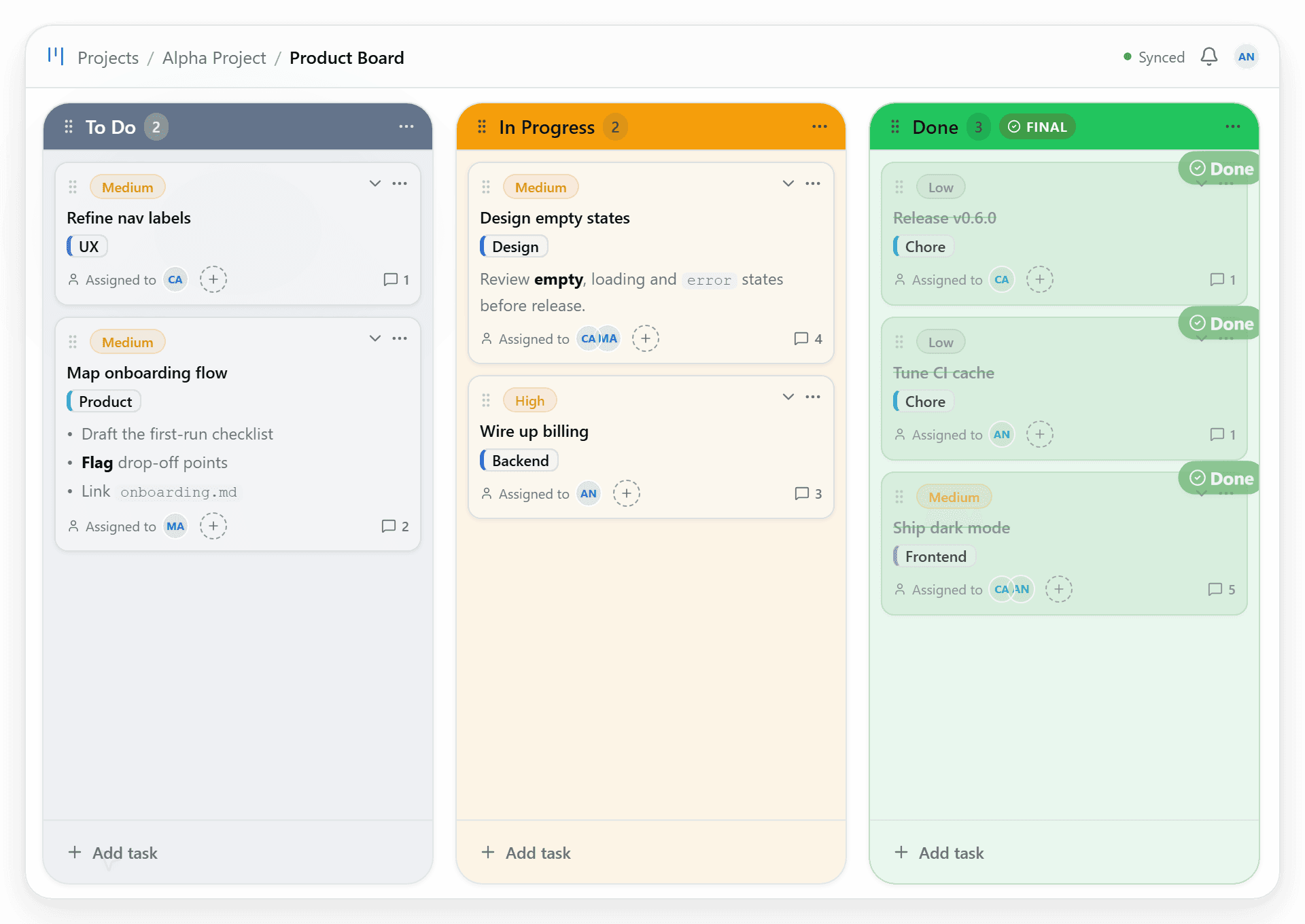
Everyone knows what still needs to be done
Tasks, their stages, and their dates live in the same project, so everyone can check the current state of the work.
- Keep upcoming tasks organized in the backlog
- See stages and dates in the project
We use necessary cookies. Analytics are only enabled if you accept them. More about cookies.
Projects and hours for small teams
The board where your team gets the work done, with estimated and dedicated hours by task, project and client. No status meetings, no spreadsheets.
Free · no card · ready in minutes
Kanban Board · 4 members
Design landing page
HighCreate mockups and prototypes for the main page.
Write unit tests
LowSet up database
MediumCreate the user schema and initial migration.
Implement authentication
HighDefine architecture
MediumConfigure CI/CD
LowDesign landing page
HighCreate mockups and prototypes for the main page.
Write unit tests
LowTask tracking
Organize upcoming work, track its progress on the Kanban board, and schedule it on the calendar. Then see how much time was spent on each task, project, or client.
Tasks, their stages, and their dates live in the same project, so everyone can check the current state of the work.
Log time against each task and compare it with the estimate. Reports let you review hours by project, client, or team member.
Product
Fewer tools and less noise: ideas, the day's work and hours live in the same project.
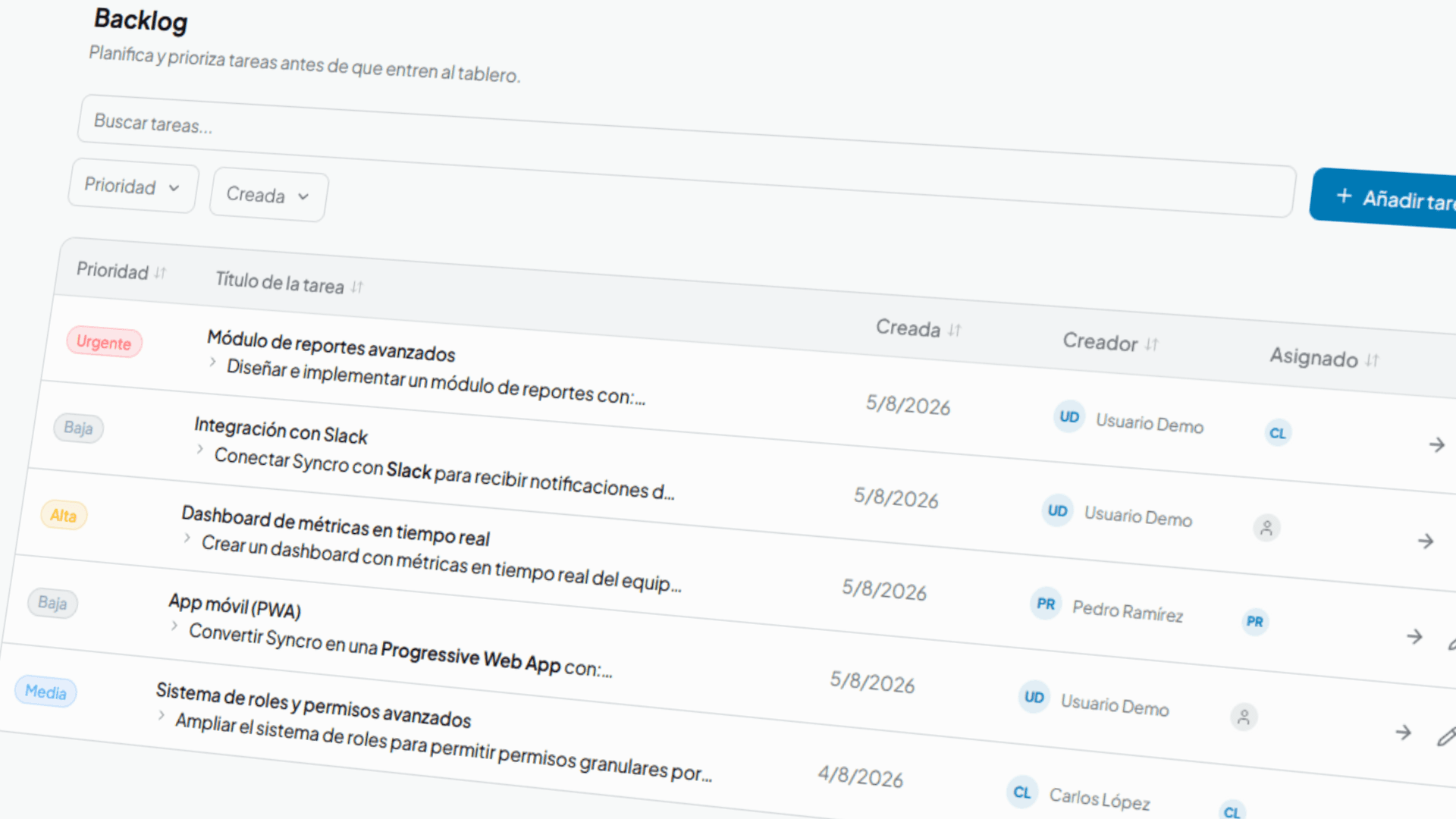
Plan
Move ideas to the backlog, give them a date and see them on the calendar.
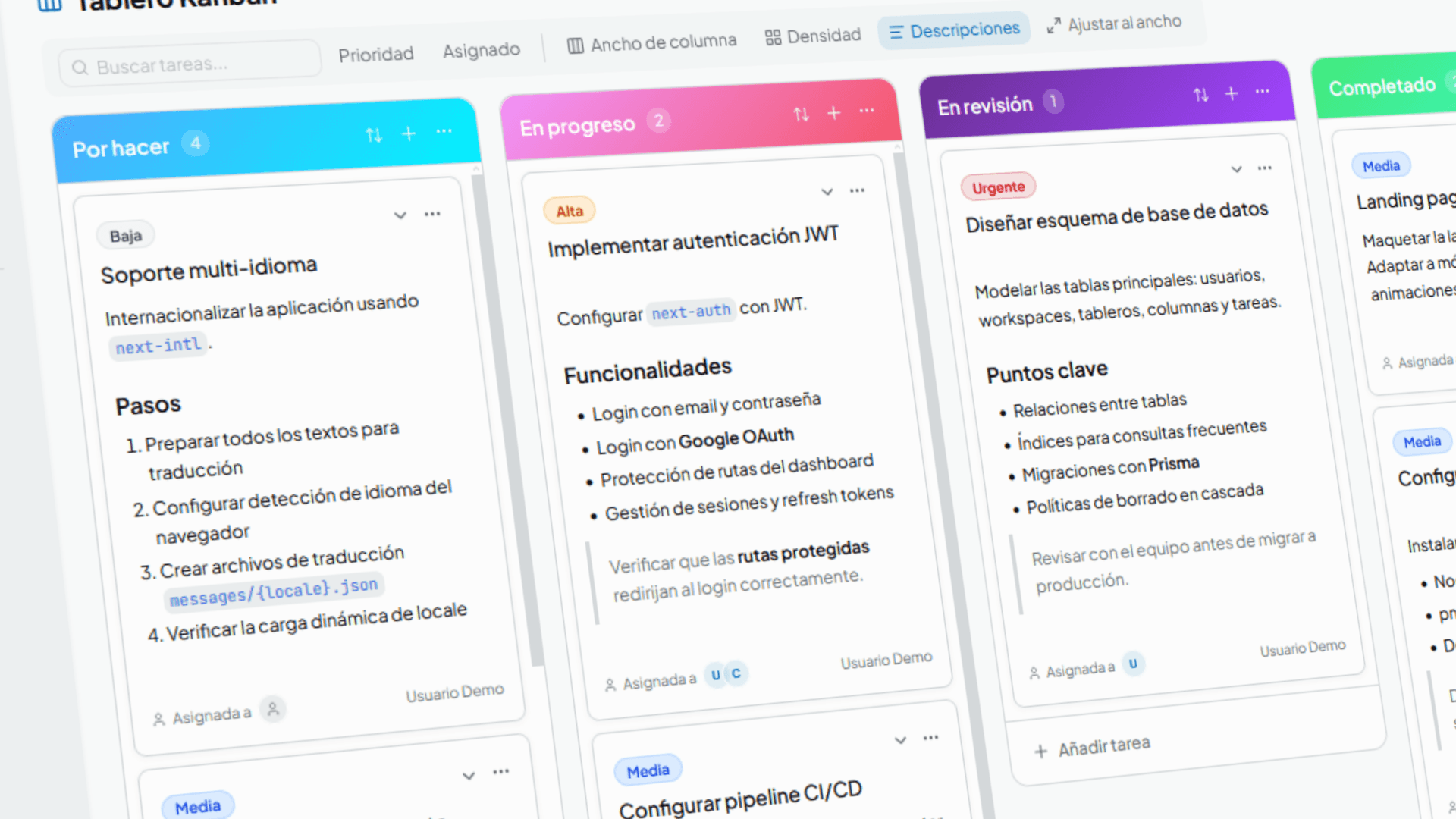
Execute
Drag, comment and decide on the same board, with no status meetings.
Measure
Log hours and watch progress by task, project and client.
| Task | Dedicated | Estimated |
|---|---|---|
| Landing page | 64 h | 70 h |
| Tasks API | 52 h | 56 h |
| QA review | 32 h | 34 h |
AI agents
Claude, ChatGPT, Cursor or opencode can read and edit your tasks without leaving their chat, always with your permissions.
The assistant only sees projects you belong to and respects your role.
You pick the scope when connecting and can restrict it to a single project.
Cut access whenever you want from Profile → Agent access.
MCP endpoint
https://syncrowork.app/api/mcp
Server configuration
{
  "mcpServers": {
    "syncro": {
      "url": "https://syncrowork.app/api/mcp"
    }
  }
}In action
A 30-second tour: backlog, board, calendar and time report, all in one place.
Getting started
No endless setup: your project, your team and your hours, up and running in minutes.
Create the project and set up boards and columns the way your team works.
Invite people by email with their role: owner, admin or member.
Log time on each task and see it in the report.
Who it's for
Small, mid-sized and client-based teams: anyone who needs to know what's happening and how long it takes.
Small and mid-sized teams
Board, calendar and hours to know what's being done and how long it takes.
Agencies
Each client in their own project, with their people and permissions. And each account's hours, clear.
Freelancers
Log hours per task and project, and have the report ready when you need it.
Keep reading
Three ways into the product: the method behind the hours, the comparison with the tool you already use and the case of a team like yours.
Guides
Methods and decisions for teams that work by the hour: estimate, plan, log and read the deviation before it is too late.
Alternatives
Honest comparisons with the tools you probably already use, with criteria instead of verdicts.
Use cases
How small agencies, freelancers and startups organise work when they need to know how many hours each project consumes and how many are left.
Before you start
What people usually ask before trying Syncro.
Start today
Create your project for free, invite the team and have board, calendar and hours connected from day one.
No card · ready in minutes
Install Syncro as an app
Available to install as a Progressive Web App